PCI Scan Results
Overview (Fortra VM) and details (WAS)
View items needing attention for compliance under PCI Progress. Select PCI Failures and PCI Requires 3b Notes to view and take action on relevant items.
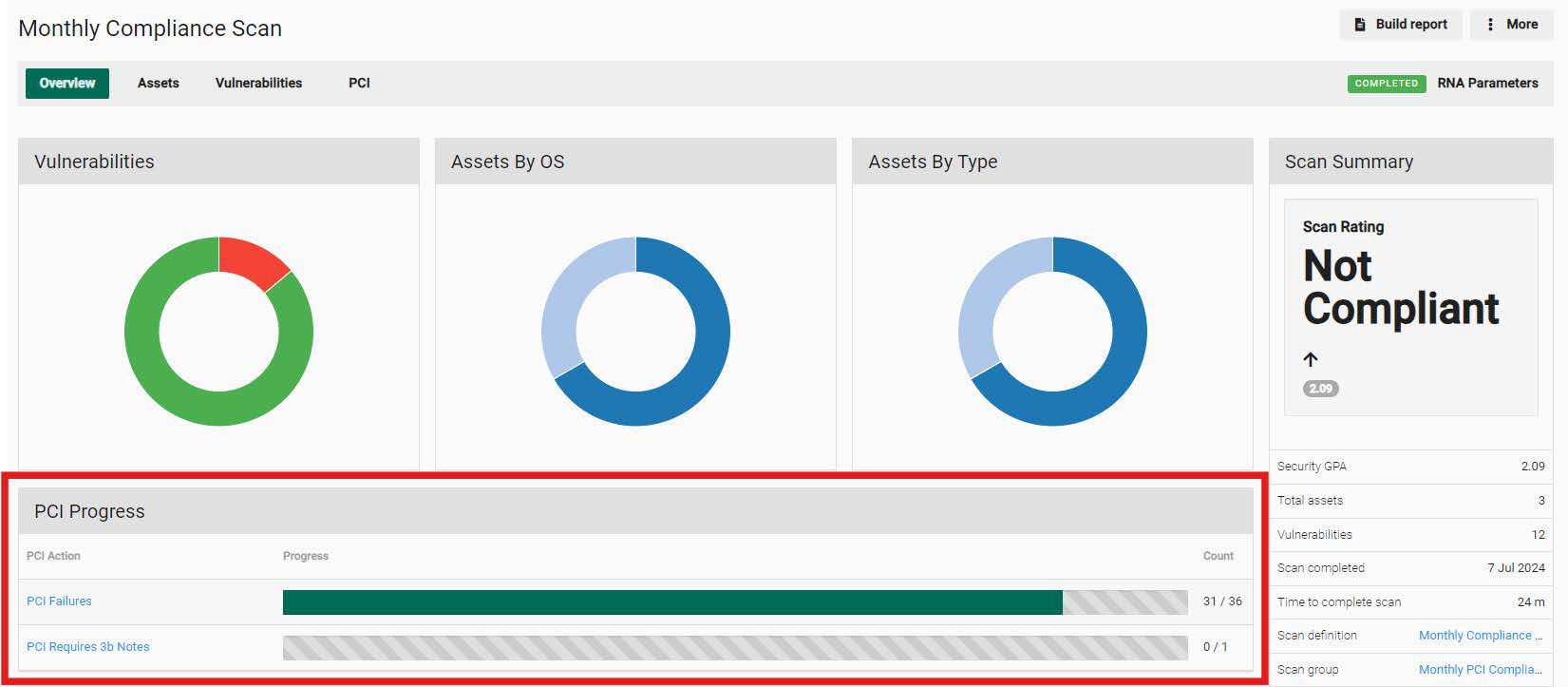
Vulnerabilities
From the scan results, select PCI Failures and PCI Requires 3b Notes (as described above) or navigate to the PCI tab to enter disputes and 3b notes.
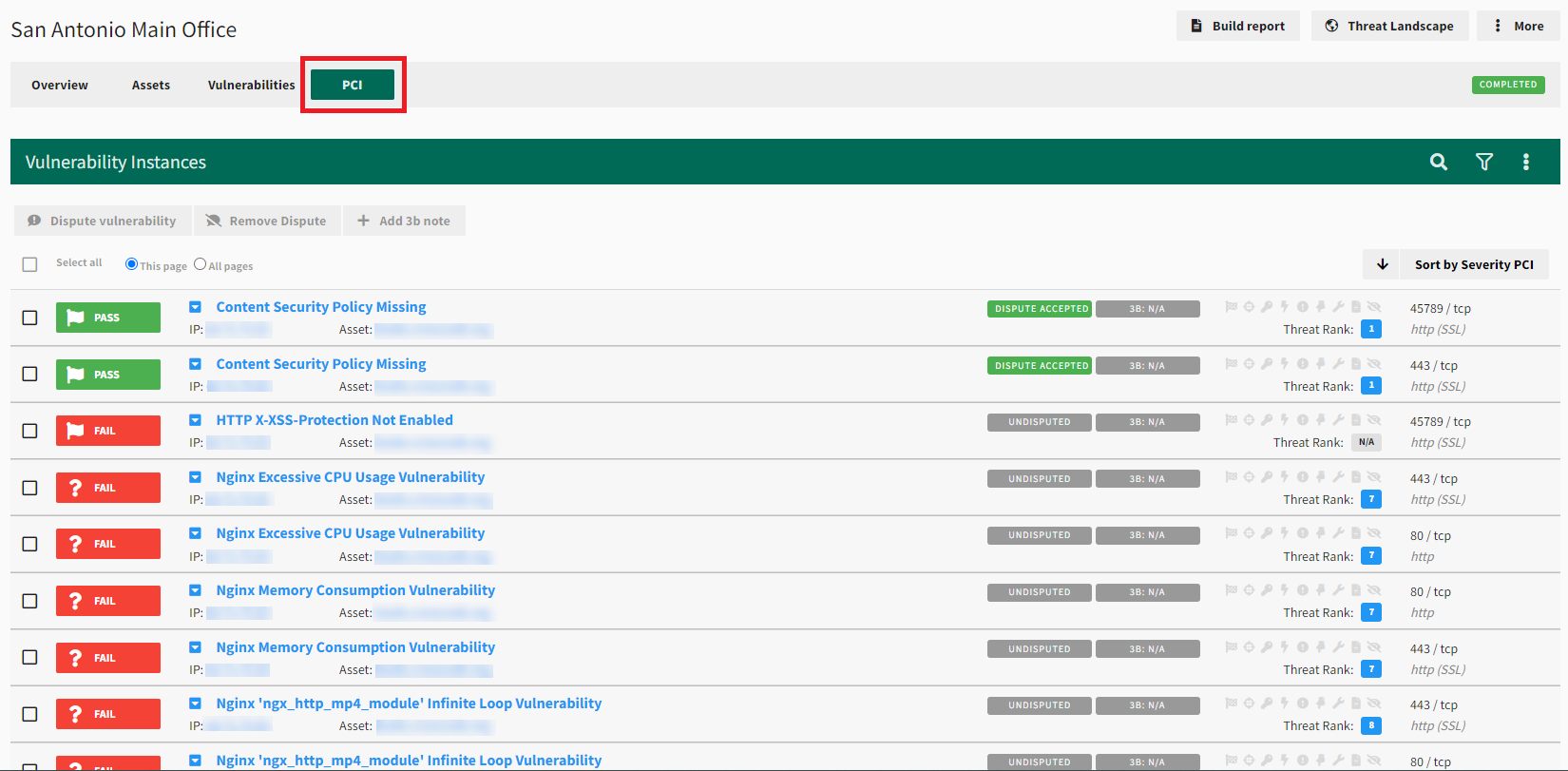
All vulnerability results will be listed and designated with a green PASS or red FAIL badge. All failing vulnerabilities must be resolved and rescanned to show a PASS status for compliance.
-
Right-clicking each vulnerability provides options for filtering and addressing vulnerability disputes.
-
Selecting the vulnerability expands it to show comments and notes from your PCI Analyst.
Use the quick filter options under the More menu to filter for vulnerabilities that are failing or require additional documentation (3b notes).
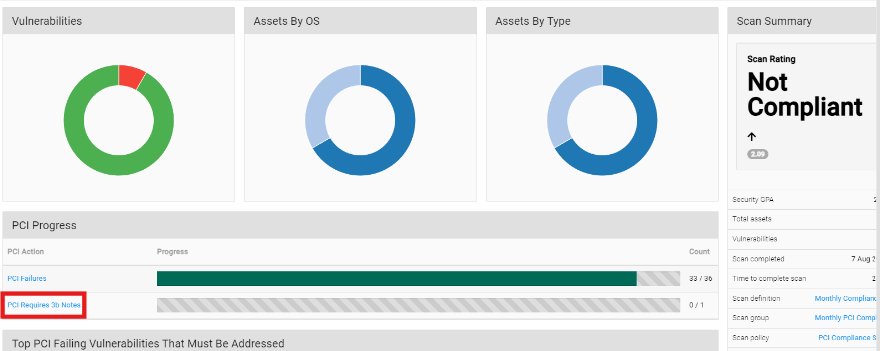
Run your PCI scan again, once all failed vulnerabilities have been addressed, to fulfill PCI requirements for a compliant result.