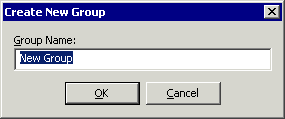
The Change Server Group dialog box is used to define and/or specify a Server Group in the EFT Server administration interface.
To move a Server to a different Server Group
In the Administrator, click the Server tab.
Right-click the Server node you want to move, then click
Change Server Group. The Change Server Group dialog box appears.
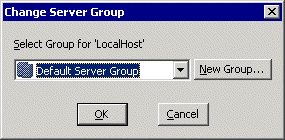
Do one of the following:
Click OK.