Viewing Sent Messages
Workspaces users can view a list of the messages they have sent, and their attachments. Once the items expire (if the EFT or user have set an expiration), those items are no longer viewable.
-
The last 50 items that you sent will appear in the Sent Messages view. (Configurable by the administrator using an Advanced Property, BigCollectionsPageSize.)
-
The list includes messages sent to request files.
-
The column width is limited to 101 characters and no more than 4 filenames and 4 recipients.
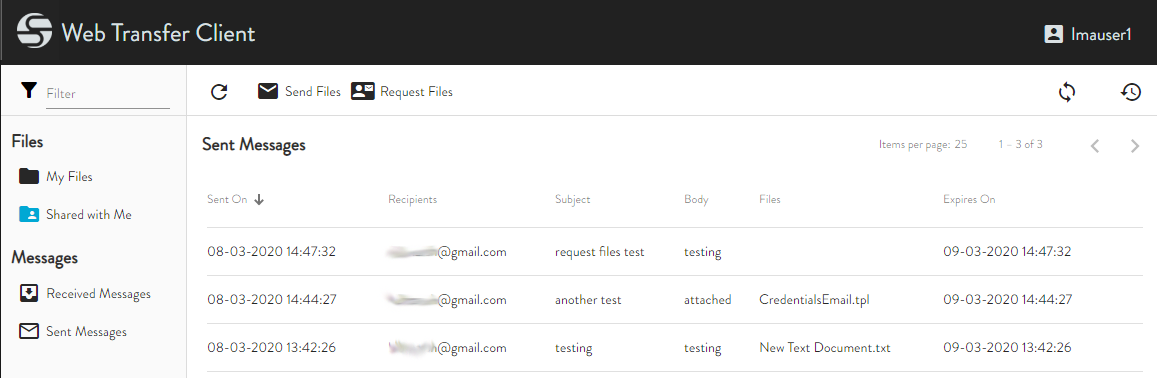
As shown above, the messages are listed by and can be sorted by the Sent On column. Click a message to open it.
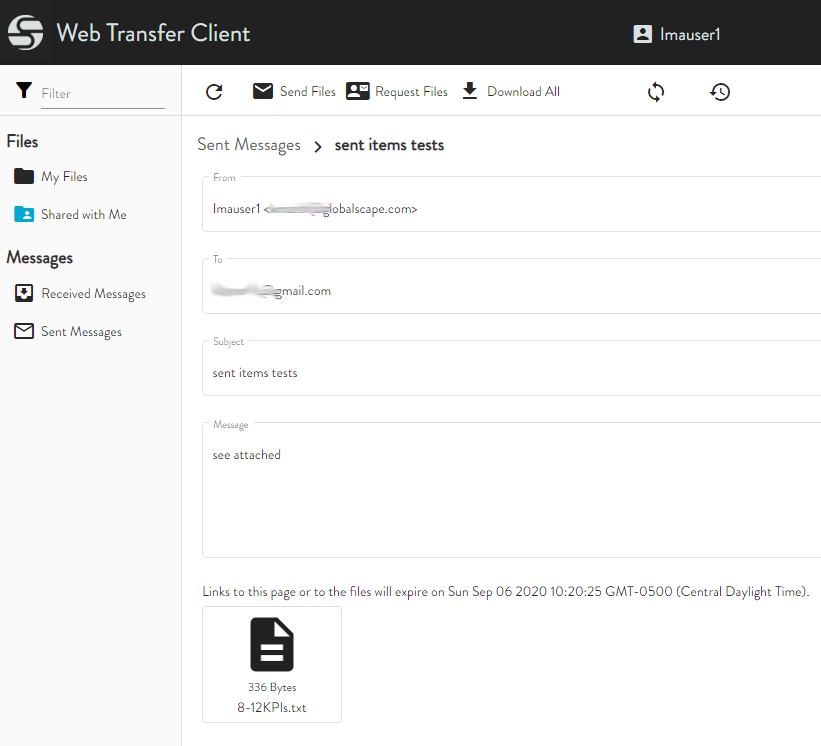
You can download the attachments on a message, and they are saved in your browser's Downloads folder.
Expired items are removed immediately and not able to be viewed in Sent Messages window.