Adding a Message Sub-Console
From the Work with Message Sub-Console display use F6=Add to open the Add Message Sub-Console display. This display allows you to add a new Message sub-console to those already available.
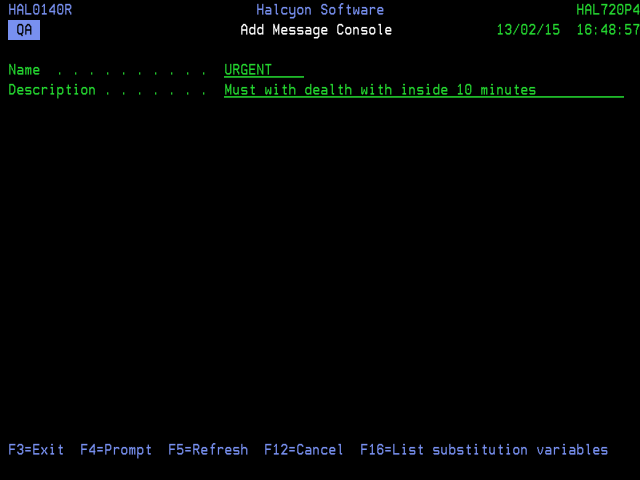
Parameters on the Add Message Sub-Console Display
The following parameters are shown on the Add Message Sub-Console display.
Name
Enter the name of the new Message sub-console.
Description
Enter a textual description of the new Message sub-console.
Press Enter to confirm the creation of the Message sub-console. This is now available for selection in the main Work with Message Sub-Consoles display.