The Enterprise Console Display
Alert details, device identities, device details, action histories and associated alert messages are displayed, by default, in panels contained within the main Enterprise Console window.
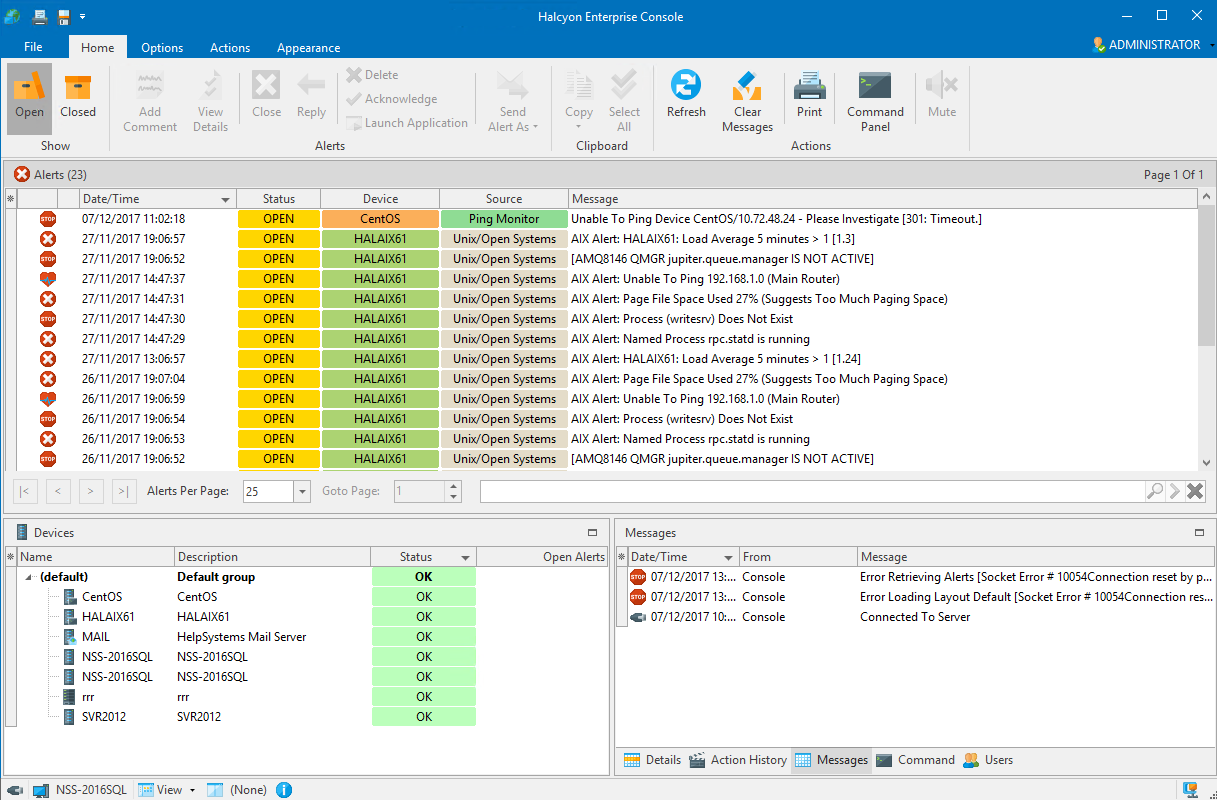
Each panel within the display can be repositioned within the window or floated on the desktop and re-sized as required. See Changing Layouts for more information.
User privileges also affect which functions are available from the layout (privileges are set in the Enterprise Server Options | Users | Add-Edit User dialog).