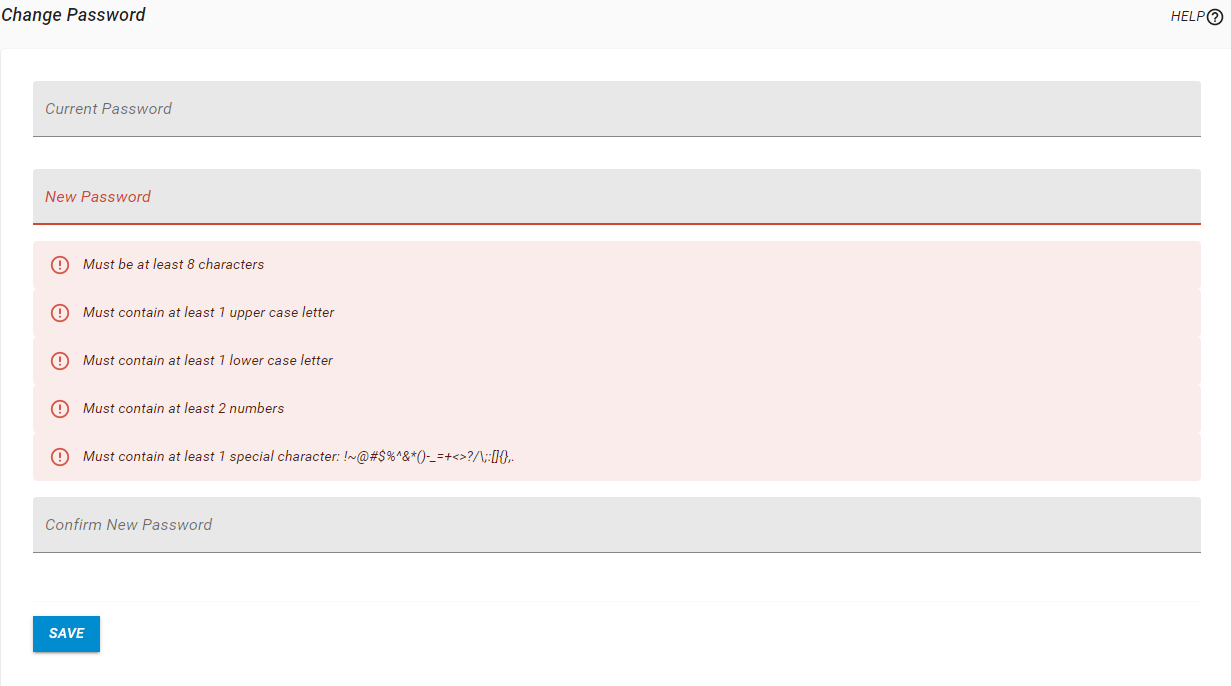
Change Password
The Change Password page is only an option when signed in as a user who is authenticated against HelpSystems One. The option will not appear for the admin user or if other authentication methods are being used.
How to Get There
In the Navigation Bar, under Account, click Change Password.
What it Does
Current Password
Enter your current password.
New Password
The password for the user. The requirements of the password are set at authentication.
Confirm New Password
Confirm the password for the user.