Configuring Time-Based One-Time Passwords
Time-based one-time password (TOTP) is a form of two-factor authentication to ensure the security of your Fortra Application Hub users. To enable TOTP with your Fortra Application Hub, IBM i, or LDAP authentication, complete the following steps:
Admin User
-
In the Core Menu, click Security. Then click Providers.
-
On the Providers tab, click Add Provider.
-
Click in the authentication method field and select HelpSystems One, IBM i, or LDAP.
-
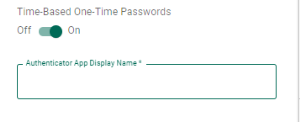
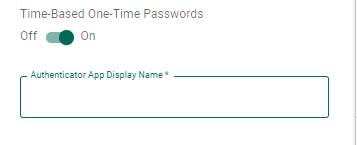
Toggle Time-Based One-Time Passwords to On.
-
Enter the name to be shown in the authenticator app to identify Fortra Application Hub. This field is only used if Time-Based One-Time passwords is toggled On.
-
Finish filling out the rest of the authentication.
-
Click Save.
-
Add users who will be using Fortra Application Hub.
Users
The first time you log in:
-
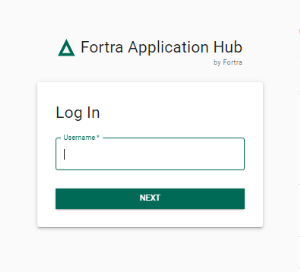
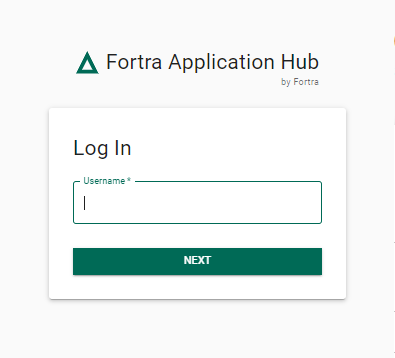
Navigate to Fortra Application Hub and enter your username and password. Click Log In.
-
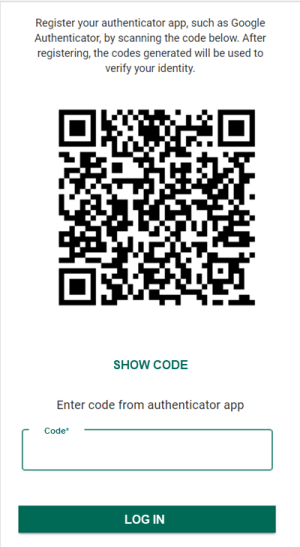
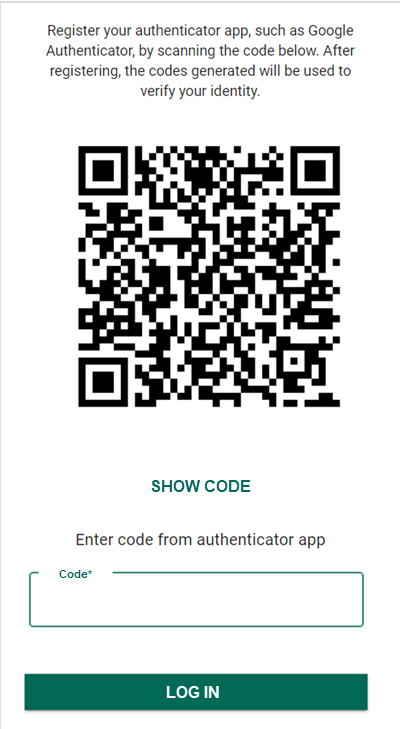
The following screen will appear:
-
Install an authenticator application, such as Google Authenticator, onto your smartphone.
-
In the authenticator app, select to register a new connection. There are often two ways of adding a connection: a QR code, or a setup key/code.
-
Scan the QR code from Fortra Application Hub to register Fortra Application Hub in your authenticator app.
or
Select Show Code on the Fortra Application Hub screen and enter the code into your authenticator app.
-
An entry will be made in your authenticator app for Fortra Application Hub with a code that changes frequently.
-
Enter the code from your authenticator app into Fortra Application Hub.
Logging in after initial setup:
-
Navigate to Fortra Application Hub and enter your username and password. Click Log In.
-
Open the authenticator app on your smartphone.
-
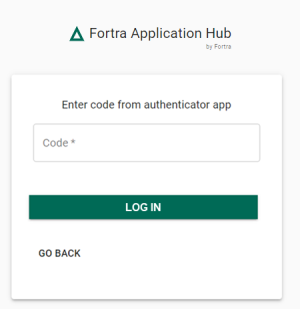
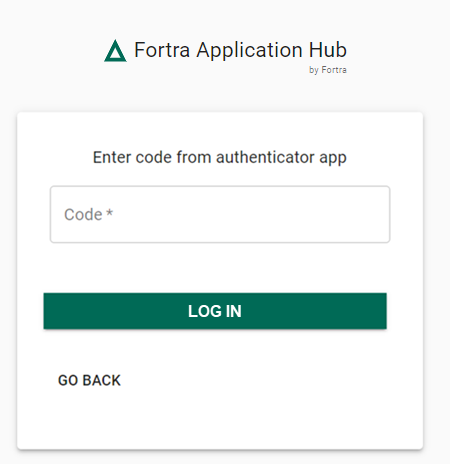
Enter the code from your app into Fortra Application Hub.
If Fortra Application Hub is Installed on the IBM i
The time on the IBM i must be precisely correct and match the time on the smartphone with the authenticator app.
Two Ways to Check the time on the IBM i
-
Run the command WRKACTJOB. The time is displayed at the top of the screen.
-
Run the command DSPSYSVAL QTIME.
To Change the Time on the IBM i
-
Run the command WRKSYSVAL QTIME.
-
Take option 2 to change it to current time.
Reset Time-Based One-Time Password
There may be circumstances where a user needs their time-based one-time password reset. This would be necessary if a user loses their phone or deletes their authenticator app. Only a user who is authorized to User Security will be able to change the password.
To reset the password complete the following steps:
-
In the Core Menu, click Security. Then click Users.
-
Click
 Show Actions next to the user and click Reset Time-Based One-Time Password.
 -
The next time the user logs in, they will have to follow the steps above under The first time you log in.