Navigating Fortra's Platform
Toolbar
The toolbar allows you to see the application you are currently in, the environment you are in, and provides access to the App Switcher and the User Menu.

User Menu
The User Menu allows you to access account information, change to dark mode, and log out. It can be accessed by clicking the initials in the upper right corner of the page.
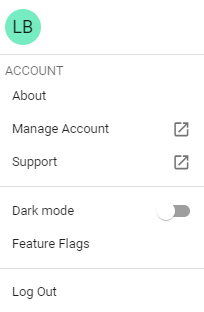
Options
App Switcher
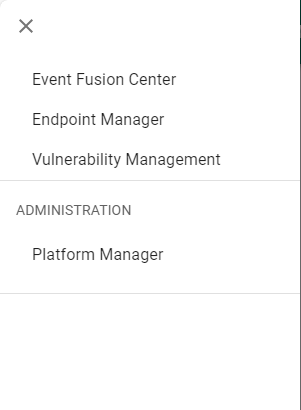
The App Switcher allows you to easily switch between applications within the Fortra platform.
To switch the application you are working with:
-
Click
 in the upper left corner of the Fortra platform toolbar.
 -
Select the application you would like to work with.