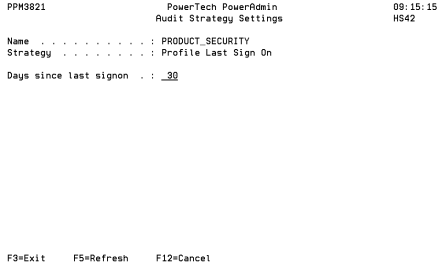
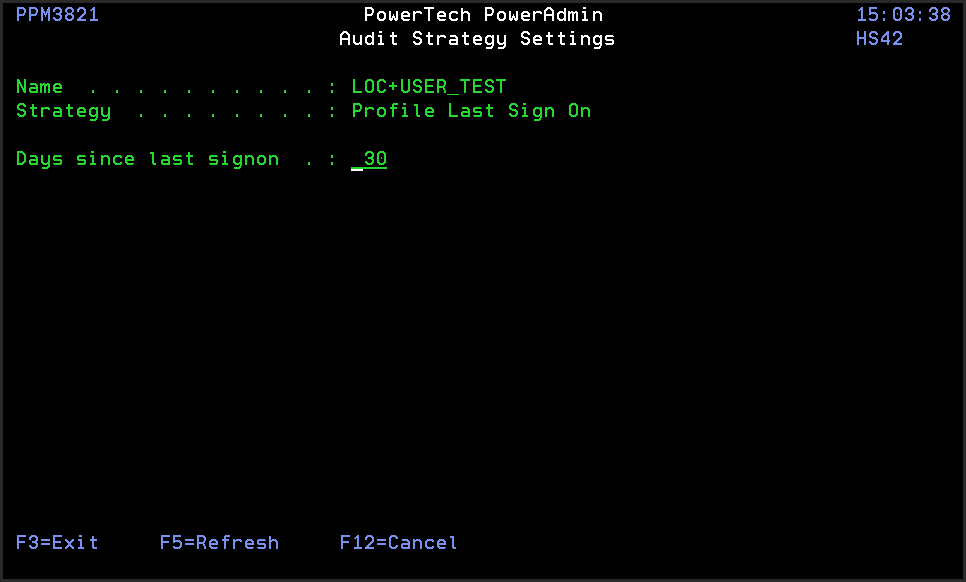
Audit Strategy Settings panel
The Audit Strategy Settings panel allows you to maintain settings that control or augment the operation of an Audit Strategy.
How to Get There
In the Audit Definitions panel, choose option 7 for an Audit Definition.
Field Descriptions
Name: Name is a name by which the Audit Definition is known.
Strategy: Strategy is a short, internal identifier of the Audit Strategy.
Days since last signon: Enter a number of days. This Strategy identifies user profiles that have not been used to sign on in that many days.
Command Keys
F3=Exit: Exit the program.
F5=Refresh: Refreshes the panel with the most current data.
F12=Cancel: Discards changes and returns to the prior panel.