Enterprise Server Options - Users settings
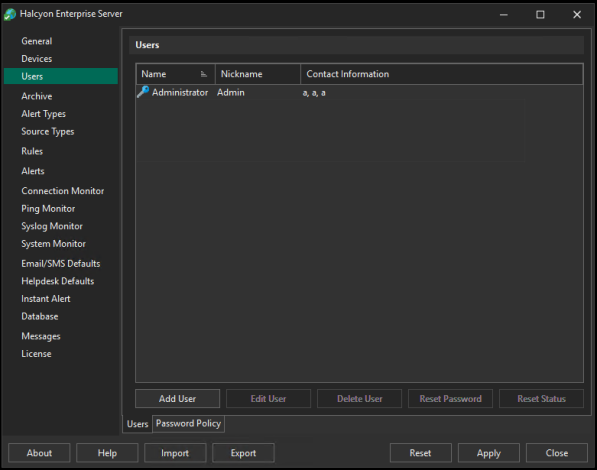
The Users page of Enterprise Server Options page allows the adding, editing and deletion of users plus the resetting of passwords.
Users section
This displays the list of all the users that have currently been defined for this installation of Enterprise Console.
Users can be added, edited and deleted from this section.
Password Policy section
This section displays criteria for password creation. The criteria ensure that passwords are secure and accounts are protected.
Password Expires After
This field is used to set the number of days between when user passwords need to be changed. The default setting is 30 days.
Password Minimum Length
Set the minimum length for a password. The recommended minimum length is 12.
Passwords Must Include
Select which options must be included in a password:
-
At least one uppercase letter
-
At least one lowercase letter
-
At least one numeric character
-
At least one special character
Password Must Exclude
Select which options cannot be included in a password:
-
Similar looking characters
-
Ambiguous characters