Preferences screen
How to get there
In the Insite Navigation Pane for Powertech Antivirus, choose Preferences.
What it does
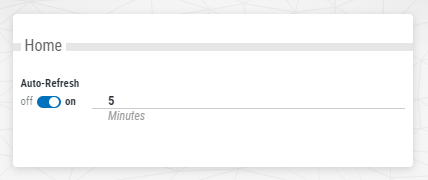
This screen allows you to configure the status and frequency of Powertech Antivirus's Auto-Refresh feature.
Options
Auto-Refresh; on • off.
When on, Powertech Antivirus refreshes the Home screen with the latest status for connections and endpoints. Enter a number into the adjacent text field to specify the refresh interval, in minutes. When off, the Home screen does not automatically refresh.