Remediation Validation
Core Impact allows testers to efficiently re-test Network and Web assets that have previously been identified as vulnerable. Because the remediation responsibilities usually fall on a different team, Remediation Validation is an important step for penetration testers. Core Impact's Remediation Validation test results will be output to a report, comparing new results with original results. In many cases, the Remediation Validator supports agent redeployment and remediation on testing scenarios where OS agents, WebApps agents, and Network SQL agents are used together to detect vulnerabilities.
 View illustration
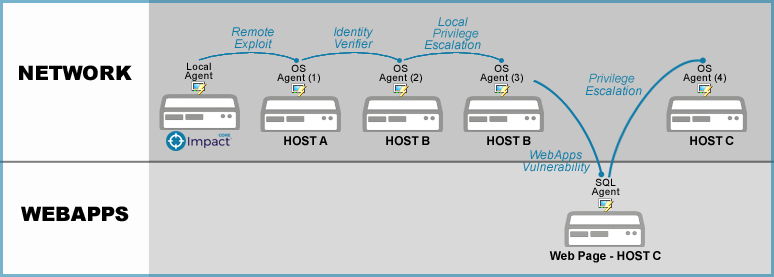
In the below illustration, Host C is compromised as Core Impact is able to leverage vulnerabilities in Hosts A and B. When performing Remediation Validation on this scenario, Core Impact will attempt to recreate the same attack path and redeploy the same agents in order to determine if the vulnerabilities have been remediated.
Using Core Impact, testers have several methods of initiating a Remediation Validation test:
- From within a Workspace: Network and WebApps RPTs provide One-step Remediation Validation tests. Jump to those sections to learn more.
- From the Dashboard:
- From the Core Impact dashboard, click the Remediation Validation button. The Remediation Validation wizard will open.
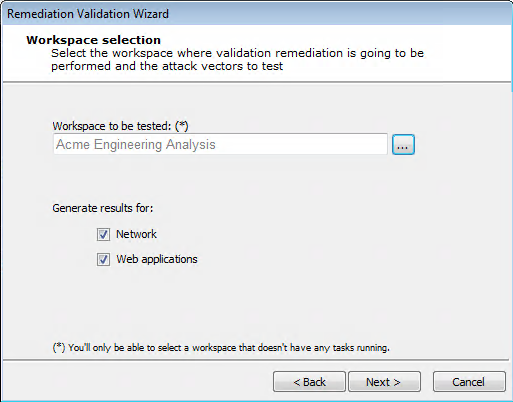
Select a Workspace in which you want the validation to occur, select whether you would like results for Network, Web applications, or both, then click Next.
Workspace Selection
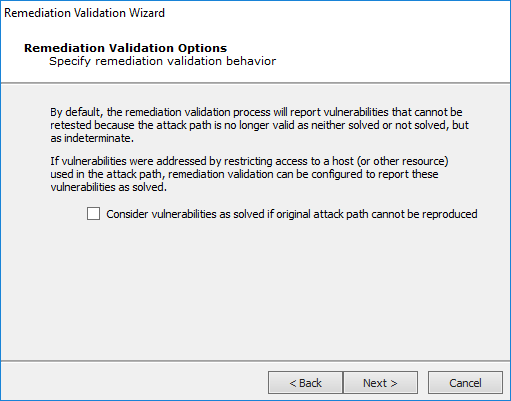
Check the Consider vulnerabilities as solved if original attack path cannot be reproduced option if you want the test to mark vulnerabilities as "solved" (and not "indeterminate") if the original attack path cannot be used. Then click Next.
Remediation Validation Options
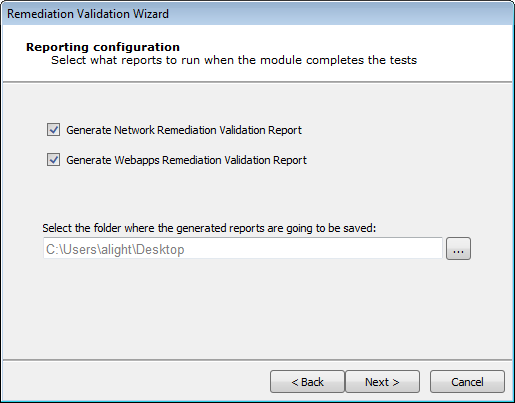
Select the report(s) that you would like Core Impact to generate and select a local folder where the report(s) should be saved. Then click Next.
Reporting Configuration
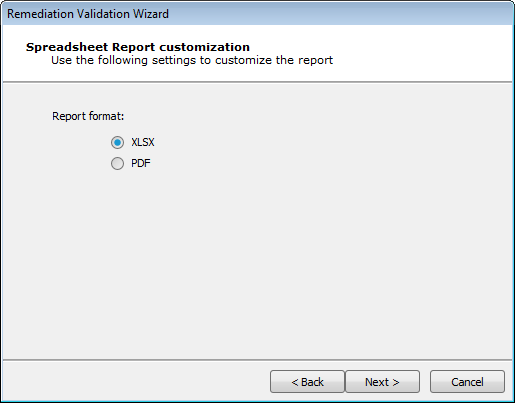
Select the report format that you would like. Then click Next.
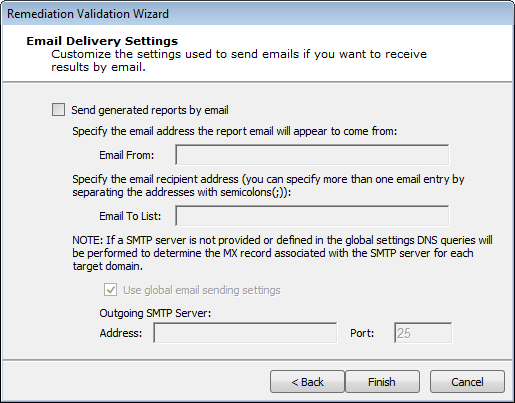
If you would like to receive the reports via email, check the Core Impact option and complete the remainder of the form. Then click Finish.
Reporting Configuration