Dashboards
Dashboards allow you to get a clearer picture of your business data. With Insite Watch List, you can create custom dashboards using the requests that you have created to show the data you want see, all on one screen.
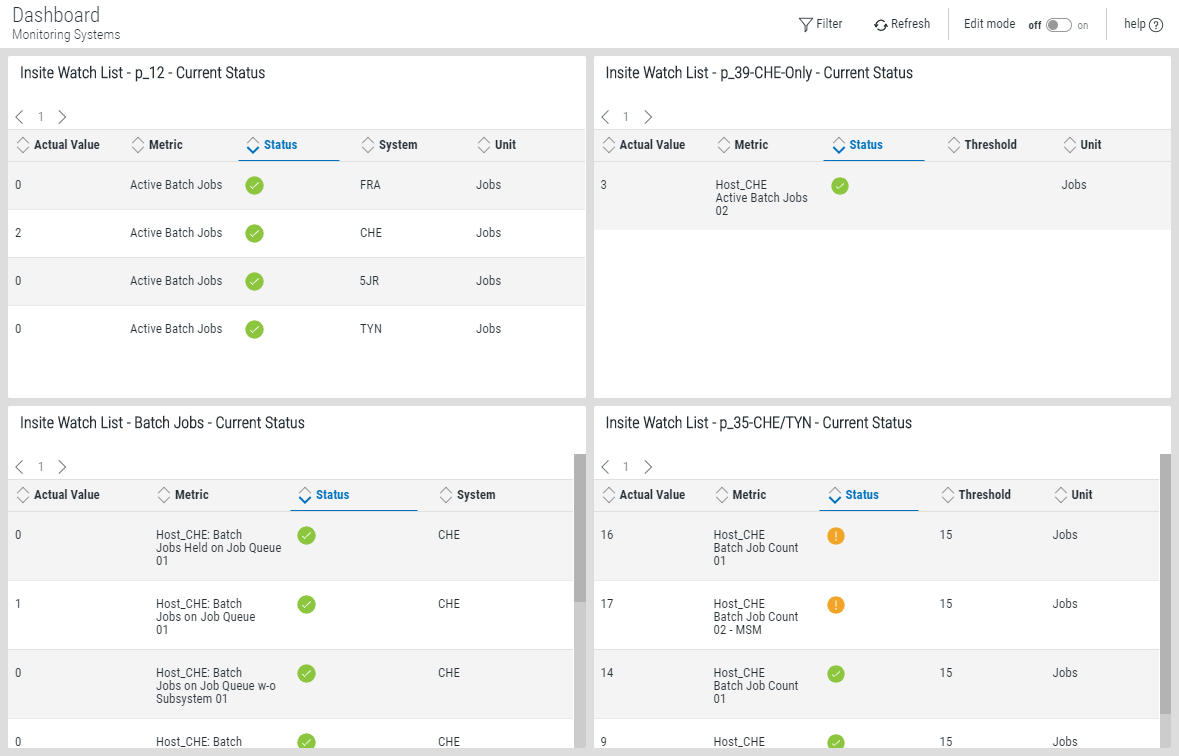
Dashboard notes:
- You can create more than one dashboard.
- Any combination of widgets can be used in the same dashboard.
- You must create Insite Watch List requests to be used on the dashboard widgets.
- Dashboards are specific to the profile you used to log on. However, you can share them with everyone or keep them private, as needed.
- Users logging on with the guest profile can view only those dashboards marked as Guest. For more on the guest profile, see the HelpSystems Insite User Guide.
For instructions on creating a dashboard, see Adding a Dashboard. For additional information on dashboards, see the HelpSystems Insite User Guide.
You can then add one or more Insite Watch List widgets to the dashboard. For more information about adding widgets to a dashboard, see Working with Widgets.